
Request appointment

Prepare an appointment request that gets to the point

Use the builder below to organise the details a garage is likely to ask for. This demo keeps everything in your browser and does not send or reserve an appointment.

A mechanic discussing a blank inspection sheet with a customer.

Browser-only builder

Prepare the details for a useful first conversation

This demo creates a summary on your device. It does not send data or reserve an appointment.
Choose the closest service

Do not enter payment, bank or other sensitive personal information.

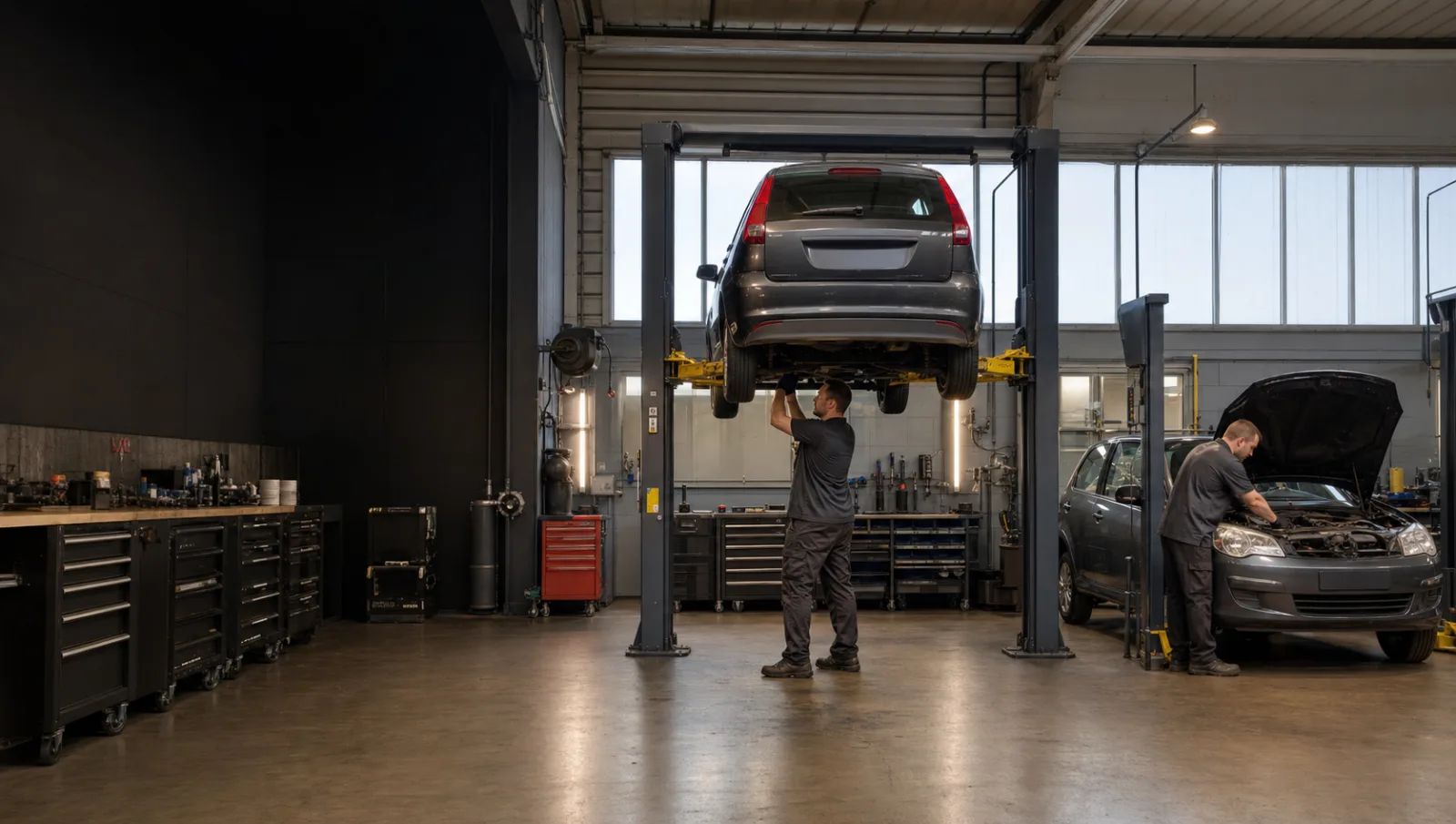
Two cars being worked on in separate bays inside an organised workshop.
Service choice

Choose the closest route

Use a known job when you have one, diagnostics when you do not

Select MOT, servicing or a component service when the requirement is clear. If the cause is uncertain, describe the warning, noise or changed behaviour and begin with diagnostics.

  • Due test or routine maintenance.
  • Known repair supported by an earlier assessment.
  • Unknown or intermittent symptom.

Useful vehicle detail

Registration, mileage and history give the symptom context

Include the make and model, approximate mileage, recent work and when the issue occurs. Avoid adding unrelated personal or payment information to an initial request.

  • Vehicle identity and current mileage.
  • Exact warning, sound, smell or driving change.
  • Recent repair, battery, tyre or service work.
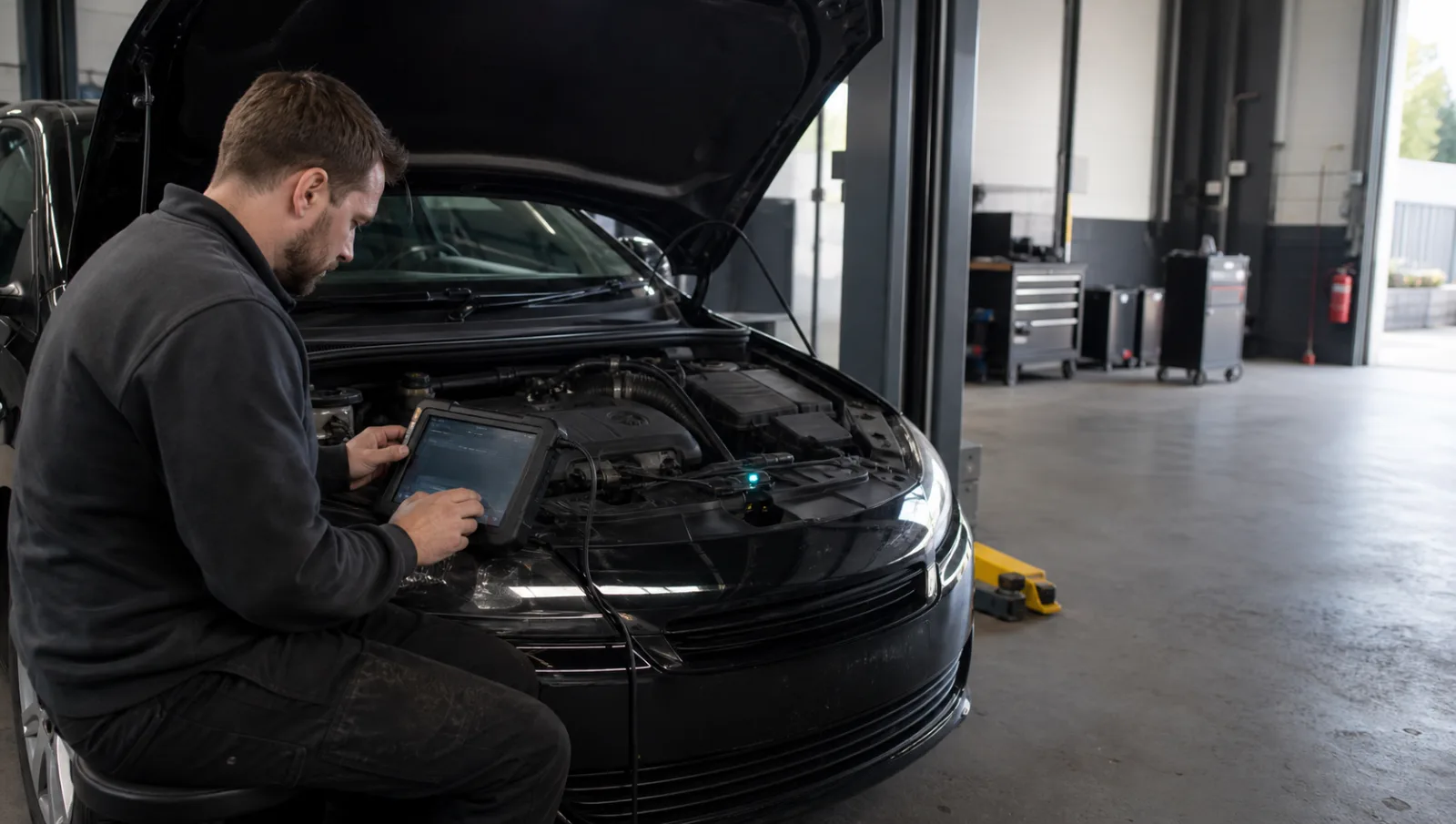
A mechanic connecting diagnostic equipment to a car with its bonnet open.
Prepare
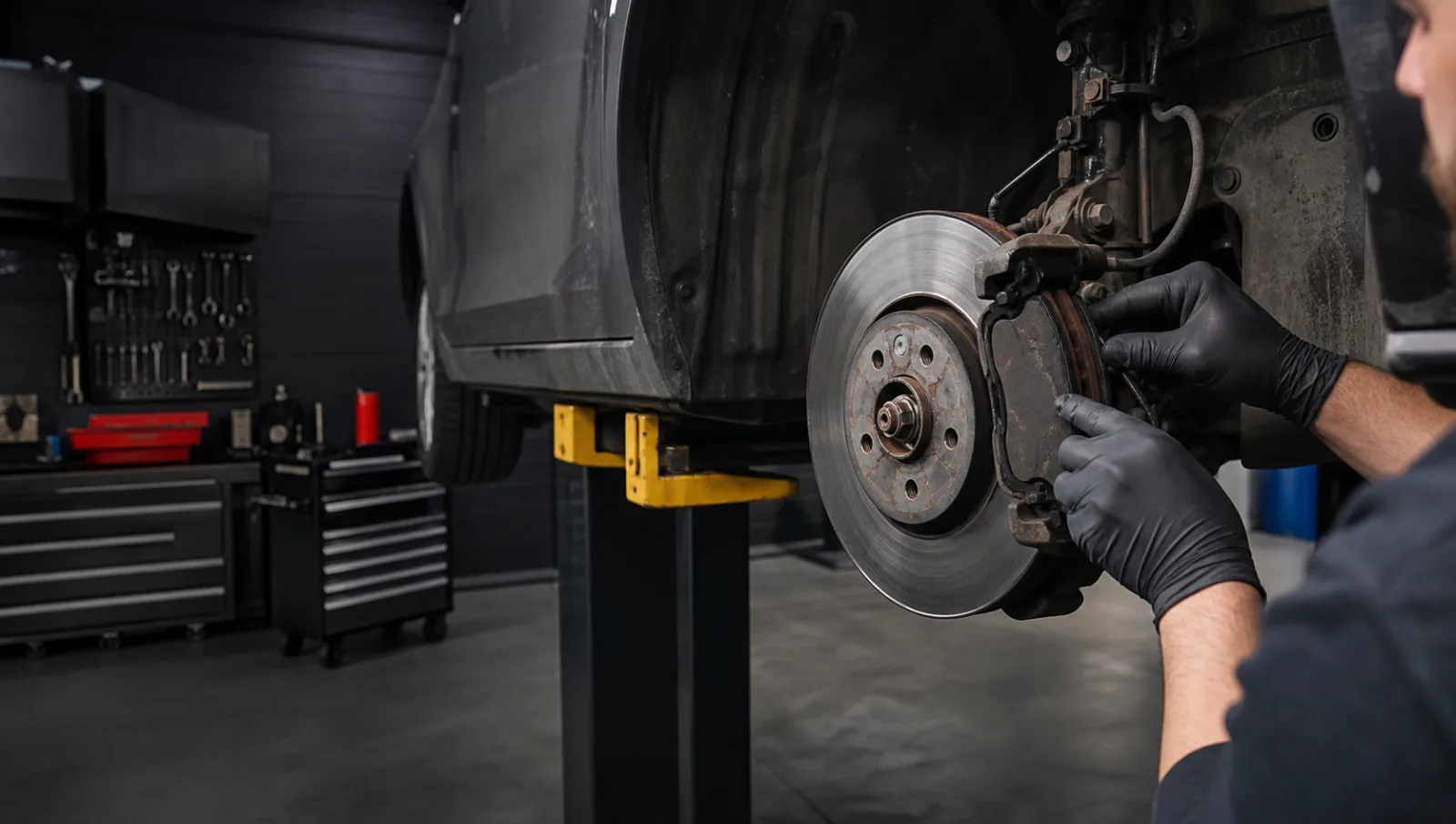
A mechanic inspecting a brake disc and caliper with the wheel removed.
Urgent alternative

Safety boundary

Do not use a normal appointment request for immediate danger

If the vehicle cannot be controlled safely, is overheating, leaking dangerously, smoking or otherwise presents an immediate risk, stop using it and contact an appropriate recovery or emergency route.

  • Do not drive simply to reproduce the fault.
  • Keep people away from traffic and immediate hazards.
  • Tell the operator when recovery access is needed.

What happens next

A live operator should confirm scope, timing and price basis

Submitting details should not silently authorise work. Once this demo is connected, the operator must review the request, clarify missing information and confirm what the appointment covers.

  • Confirm the appointment before travelling.
  • Agree the initial assessment or service scope.
  • Authorise additional work separately.
A mechanic discussing a blank inspection sheet with a customer.
Operator confirmation

Questions

Useful answers before the next step

Does the appointment builder send my details?

No. It creates a summary in this browser only. Nothing is transmitted or stored by the demo.

Does completing it reserve a time?

No. A real operator must connect availability and explicitly confirm the appointment before launch.

What should I include for an intermittent fault?

Include when it happens, temperature, speed, weather, journey stage, warning messages and any recent work.

Should I include payment information?

No. Do not add card, bank or other sensitive information to an initial garage request.

What if the vehicle may be unsafe?

Stop driving and contact an appropriate garage, recovery provider or emergency service. The browser-only builder cannot assess roadworthiness.

Next step

Build the brief before the operator is connected

Build appointment brief